project · Jul 18, 2026
ActiveLynx
A local-first secret scanner I'm building in Go to understand how credentials leak into repositories and how to catch them before they ship.
Why I built it
Every big breach writeup seems to include the same quiet detail: a credential that was sitting in a repository the whole time. I wanted to understand that failure mode from the inside. How do secrets actually end up in code? What do they look like once they are there? And what would it take to catch them before a push instead of after an incident?
Instead of just reading about it, I started building Lynx, a CLI that scans repositories and filesystems for leaked credentials, API keys, and high-entropy strings. It is an active project. Building it has taught me more about secret hygiene than any blog post.
How it works
Lynx layers a few detection strategies so that one weak signal does not decide the outcome:
- Regex rules for known formats like AWS keys, GitHub tokens, Slack webhooks, Stripe keys, PEM private keys, JWTs, database URLs, and npm tokens
- Shannon entropy filtering to flag random-looking strings that do not match a known pattern
- Keyword proximity so a match near
tokenorsecretcarries more weight than one in the middle of test fixtures
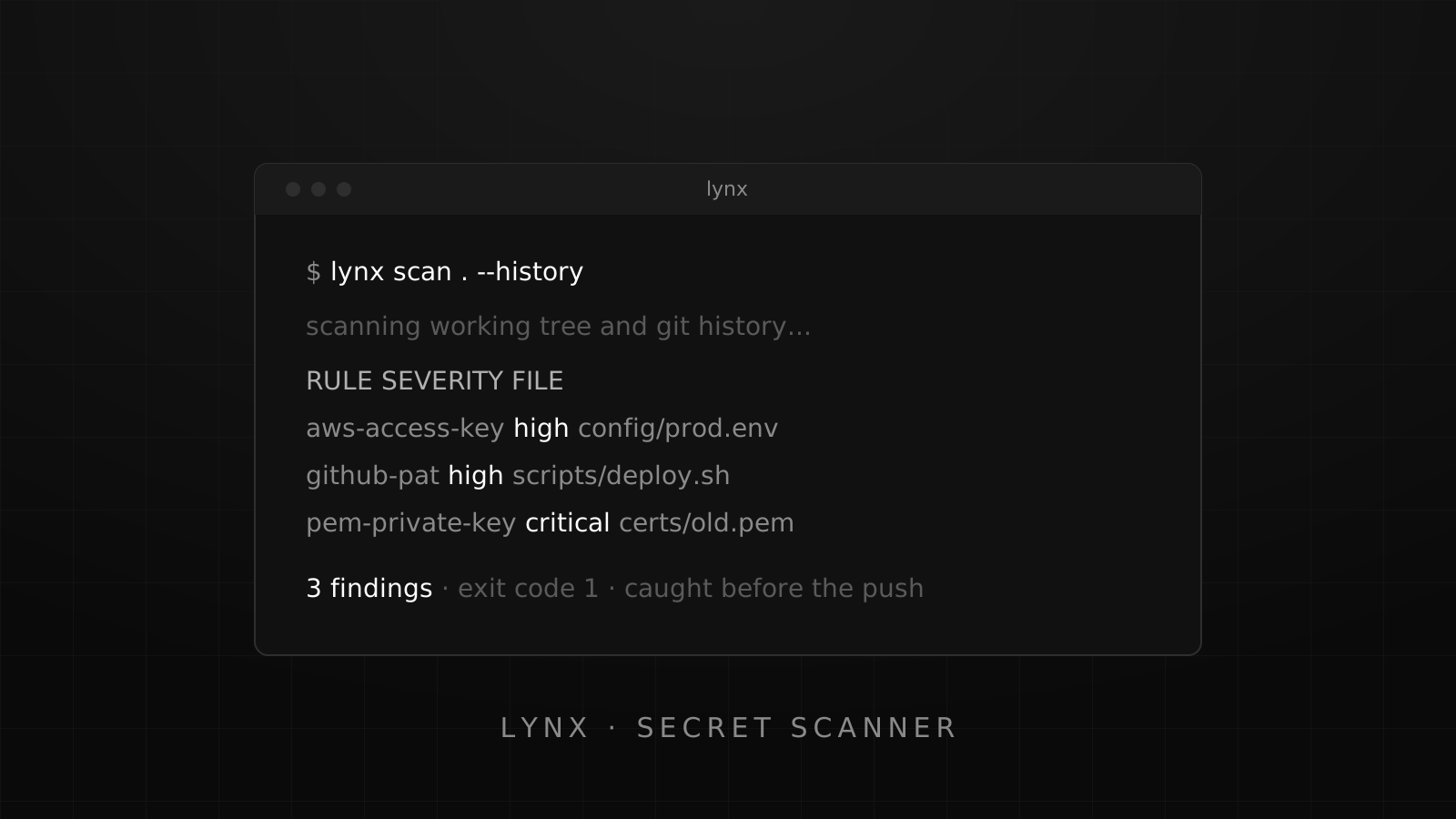
History scanning is the part I keep coming back to. Deleting a secret from the working tree does not remove it from git, so Lynx can walk historical blobs and report the first commit where a finding appeared:
lynx scan .              # scan the working tree
lynx scan . --history    # scan git history for secrets that were "removed"
Built for CI, not just laptops
The tool is meant to sit in a pipeline and fail loudly:
- Table output for humans, JSON and SARIF for machines and GitHub code scanning
- Exit codes that CI understands: 0 clean, 1 findings, 2 error
- Baselines to acknowledge known findings so new leaks stand out
- Custom rules in YAML for organization-specific token formats
Everything runs locally. There is no telemetry. Nothing leaves the machine unless you opt into live verification of a finding.
What I learned
Leaks are a workflow problem, not a carelessness problem. Secrets slip in through example configs that become real configs, debug scripts that never got cleaned up, and history that everyone forgot about. Tooling that runs automatically, close to the developer, is what actually prevents the accident.
That lesson feeds into my day job, where I am putting secret scanning into internal development workflows. Building the scanner myself means I know what the guardrails can and cannot see.